
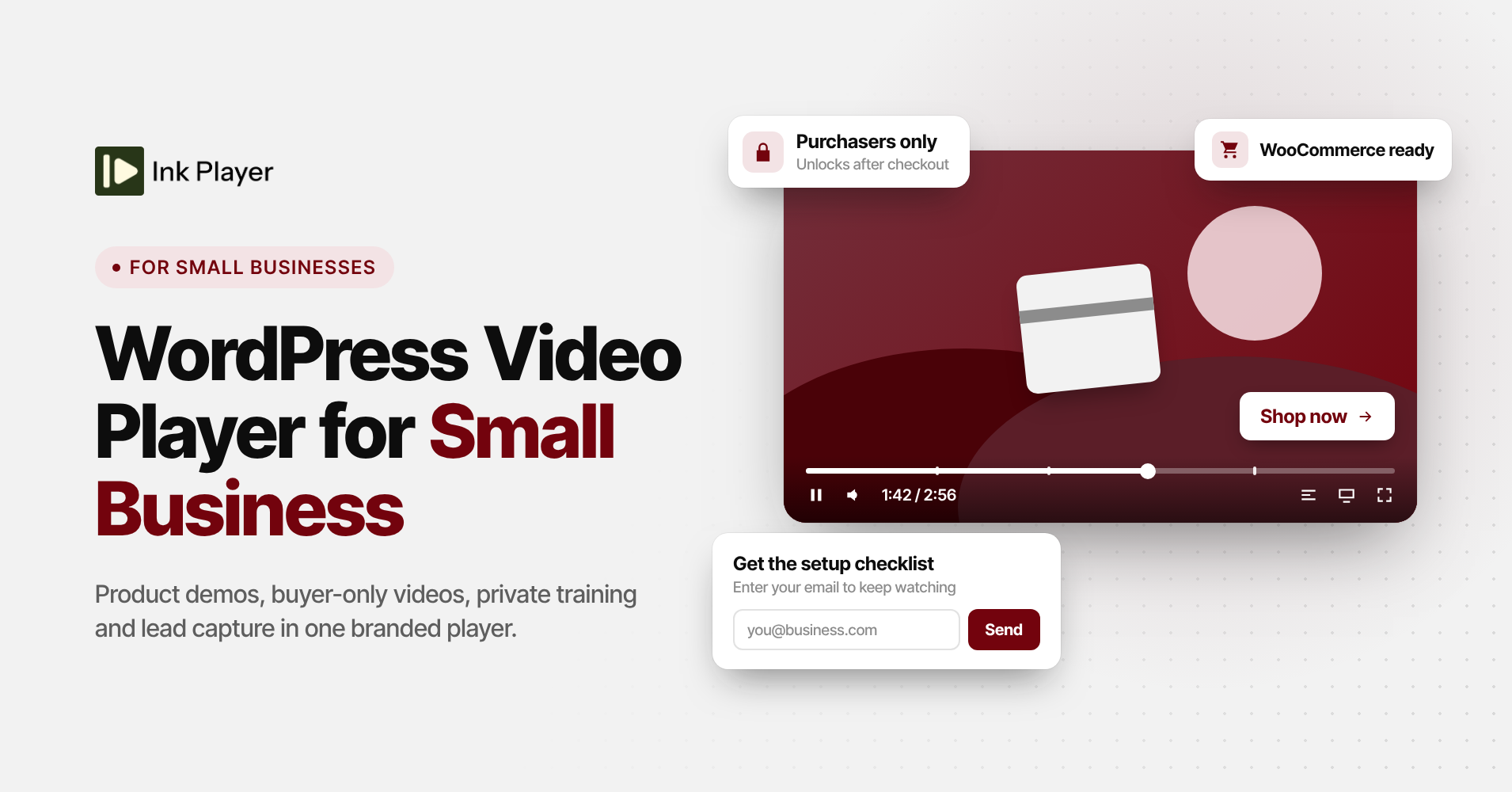
Video should help you sell. Too often it just sits there.
A YouTube link on a product page, a Vimeo embed in a welcome email, a training clip on a page anyone can find. Each one looks a little different, and none of them captures a lead or knows who bought what. Ink Player is a WordPress video player built to fix that, and this post looks at how it fits a small business.
The short version: Ink Player gives every video on your site one branded player, adds WooCommerce videos that only buyers can watch, keeps training videos private, and sends email leads straight to your marketing tool. Every plan includes every feature, so you only pick how many sites you need.
What a small business needs from a video player
Most small businesses don’t need a media empire. They need video that looks like their brand and keeps visitors on their own site, not on someone else’s platform.
They also need video to do a job. A demo should push people toward the buy button, and a product video should live where buyers already shop. Training videos for staff or customers should stay out of public view.
Then there’s the follow-up. If someone watches half your demo, you want their email in your marketing tool, not lost forever. And all of this has to work without a developer, because most owners set up their own sites.
Ink Player in a nutshell
Ink Player adds a media library and a branded player to WordPress. You add each video once, and that record becomes the single source of truth. Change the title, poster, or settings in one place, and every page that shows the video updates.
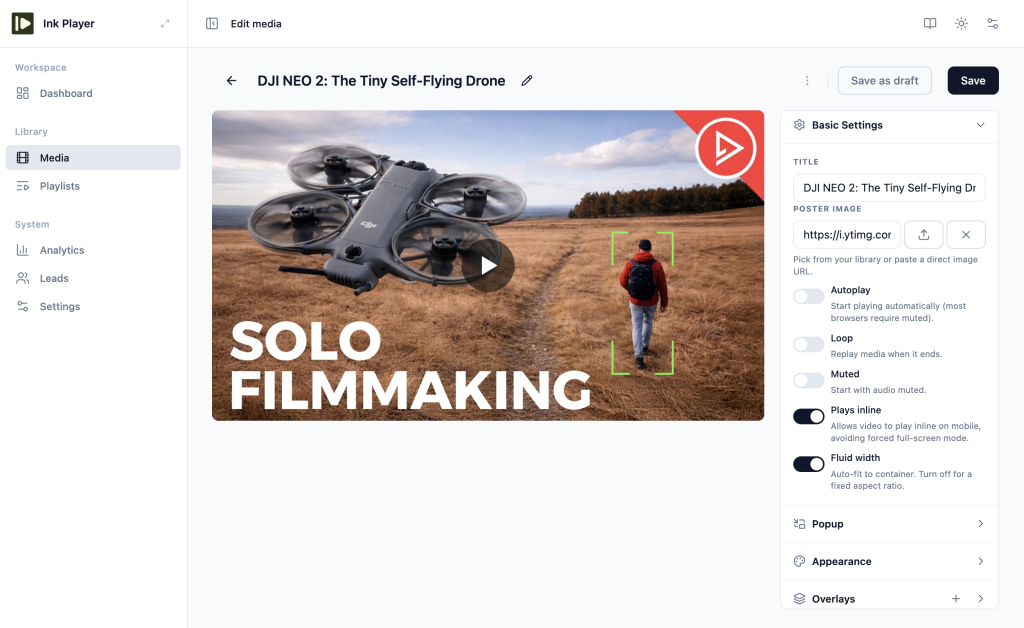
The player works with almost any source. You can upload files to WordPress, paste a direct MP4 or streaming link, or use YouTube and Vimeo. For more control, it connects to Bunny.net, Mux, Cloudflare Stream, and Cloudflare R2, and it detects the source from any link you paste.
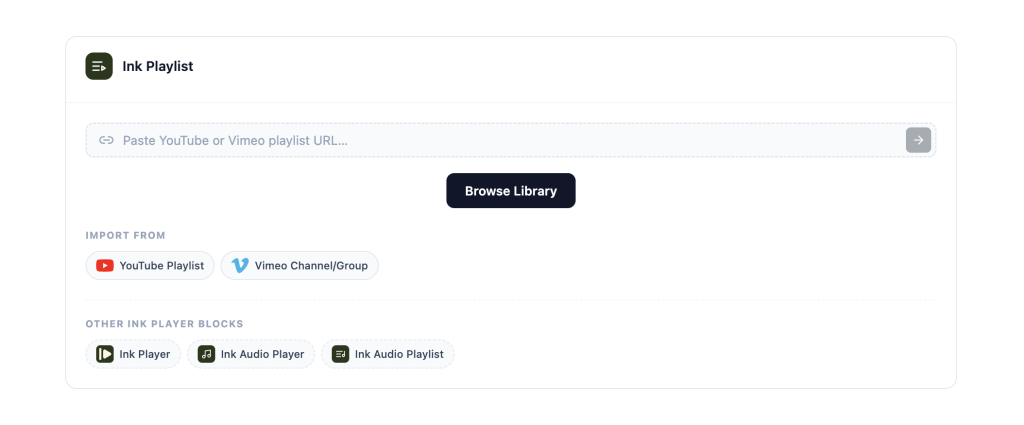
Placing a video is just as flexible. There’s a Gutenberg block, an Elementor widget, a Beaver Builder module, and a shortcode like [ink_player id="123"]. You can also embed the player on sites outside WordPress, and it keeps your branding and access rules.
Product demo videos that keep visitors on your page
A demo video has one job: move a curious visitor closer to buying. Ink Player helps by making the video look like part of your site. Pick one of six skins, add your logo as a watermark, and match the controls to your brand colors.

The real value is in the overlays. A CTA overlay can show a “Book a call” or “Shop now” button at the moment it matters, like the last 20% of the video. Chapters let busy visitors skip straight to the feature they care about, and captions make the demo work with the sound off.
For home and landing pages, the popup option is handy. You show a poster, button, or text link, and the video opens in a lightbox when someone clicks. Nothing loads until that click, so the video doesn’t slow the page down.
WooCommerce product videos and buyer-only content
If you sell with WooCommerce, Ink Player adds its own tab to the product editor. Attach a video or a playlist, then choose where it appears: before the short description, after the full description, or in a custom product tab.
Purchasers only access
This is where it gets useful for small businesses. Each product video can be visible to everyone, to logged-in users, or to purchasers only. A buyer-only video unlocks once the order status reaches completed.
That opens up simple ideas. Include a setup tutorial that only buyers can watch, or sell a workshop recording as its own product. Either way, the video adds value to the sale instead of giving it away.
Training and onboarding videos with Private access
Every video in Ink Player has a “Who can watch” setting. Public is open to anyone. Private limits the video to logged-in WordPress users, and Password asks for a password before it plays.
Private works well for staff training, client onboarding, or a members area. Add your team or clients as WordPress users, set the videos to Private, and only they can watch.
There’s one detail worth knowing. Locking the page isn’t the same as protecting the video file itself, and the source decides how far that protection goes.
| Source | Is the video file protected? |
|---|---|
| YouTube, Vimeo | No. The page is gated, but the platforms can’t be truly protected. |
| Standard WordPress upload or direct link | No |
| Private upload in WordPress | Yes |
| Bunny.net, Mux, Cloudflare Stream, Cloudflare R2 | Yes, with signed links that expire |
For anything sensitive, use Bunny.net, Mux, Cloudflare, or a private upload. Signed links still work for anyone who has one until they expire, so they stop casual sharing rather than every leak.
Turn viewers into leads
The email capture overlay asks viewers for their email inside the video. You choose when it appears, such as after 30% of the video plays, and whether viewers can skip it.
Every email lands in the Leads table in your dashboard, and Ink Player merges duplicates by email address. From there, Ink Player can send leads to Mailchimp, MailerLite, ActiveCampaign, or FluentCRM. If you use something else, a webhook can pass each lead to almost any tool.
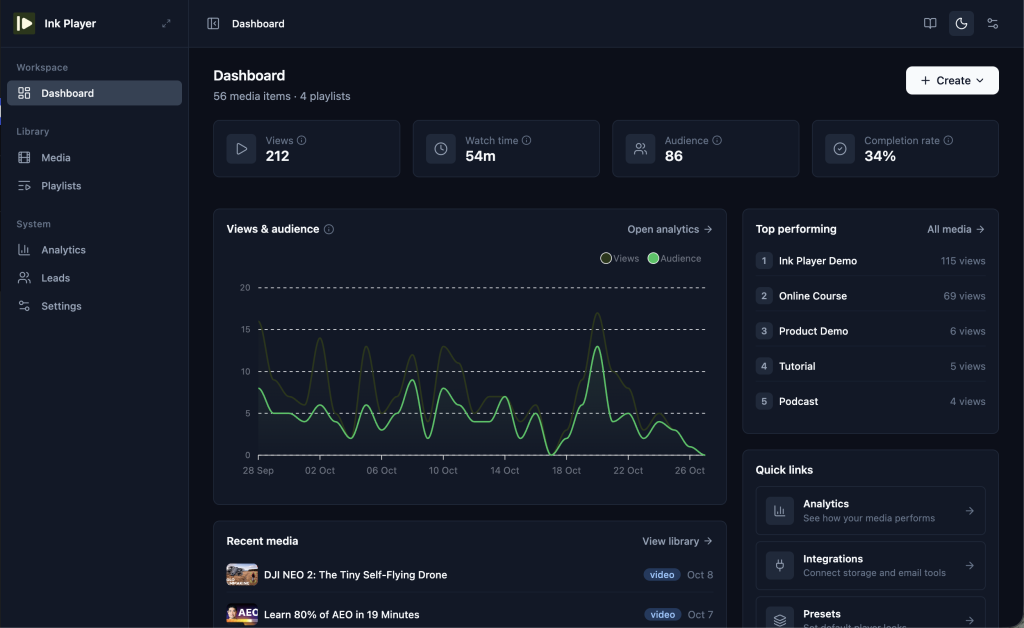
To see what’s working, turn on the built-in analytics. They’re off by default, so this step is easy to miss. Once on, you get views, watch time, and completion rate for each video, and you can also send video events to Google Analytics 4 with just your Measurement ID.
Set it up in minutes, no code
You don’t need a developer to get started. Here’s the basic setup:
- Install the plugin like any other. Your site needs WordPress 6.0 or newer and PHP 8.0 or newer.
- Go to Library, then Media, and add a video. Upload a file or paste a link.
- Pick a preset or skin, and add your logo under Settings, then Branding.
- Choose who can watch, then publish. Drafts stay hidden from visitors.
- Place the video with the Ink Player block, your page builder, or
[ink_player id="123"].
Presets save the most time later on. Set your skin, controls, and branding once, and every new video starts with the same look. The getting started guide walks through each screen if you get stuck.
Pricing: choose a plan by site count
Every Ink Player plan includes every feature. The only difference is how many sites you can use it on, so pricing comes down to one question: how many sites do you run?
| Plan | Sites | Lifetime | Annual |
|---|---|---|---|
| Starter | 1 | $149 | $79/year |
| Pro | 10 | $299 | $159/year |
| Agency | 30 | $499 | $299/year |
Most small businesses with one website only need Starter. Lifetime plans include lifetime updates, while annual plans include a year of updates. Check out the pricing and get the plan that best suits you.
Is Ink Player right for your business?
Ink Player is a strong fit if you sell with WooCommerce, use video to win leads, or train staff and clients on your own site. It’s the WordPress video player for small business owners who want one branded player for every video, without hiring a developer.
It may not be the right pick yet in two cases. If you need a documented integration with an LMS like LearnDash, check with the team first. If you need real protection for videos hosted on YouTube or Vimeo, plan to move them to Bunny.net, Mux, or Cloudflare.
The easiest way to decide is to see it in action. Watch the demo, or get Ink Player and try it on your site to receive amazing results for user engagement.
Frequently asked questions
Does Ink Player work with WooCommerce?
Yes, Ink Player adds a tab to each WooCommerce product where you attach a video or playlist. You can show it to everyone, to logged-in users, or to purchasers only. Buyer-only videos unlock once the order reaches completed.
Can I keep training videos private?
Yes. Set a video to Private and only logged-in WordPress users can watch it, or use Password access instead. For the strongest protection, host the video on Bunny.net, Mux, Cloudflare, or as a private upload, since those protect the video file itself.
Can I use my existing YouTube videos?
Yes, paste a YouTube or Vimeo link and Ink Player plays it in your branded player. You can also import a YouTube playlist of up to 100 videos without an API key. Just note that YouTube and Vimeo videos can’t be truly protected.
Do I need to know how to code?
No. You add videos, pick a look, and place them with a block, a page builder widget, or a shortcode. Custom CSS and JavaScript are available if you want them, but most small businesses never need to touch them.
Can I switch from Presto Player or FluentPlayer?
Yes, Ink Player imports media, presets, playlists, collected emails, and settings from both. The import never touches the old plugin, and you can undo it. Keep the old plugin active until you’ve swapped its embeds on your pages.